
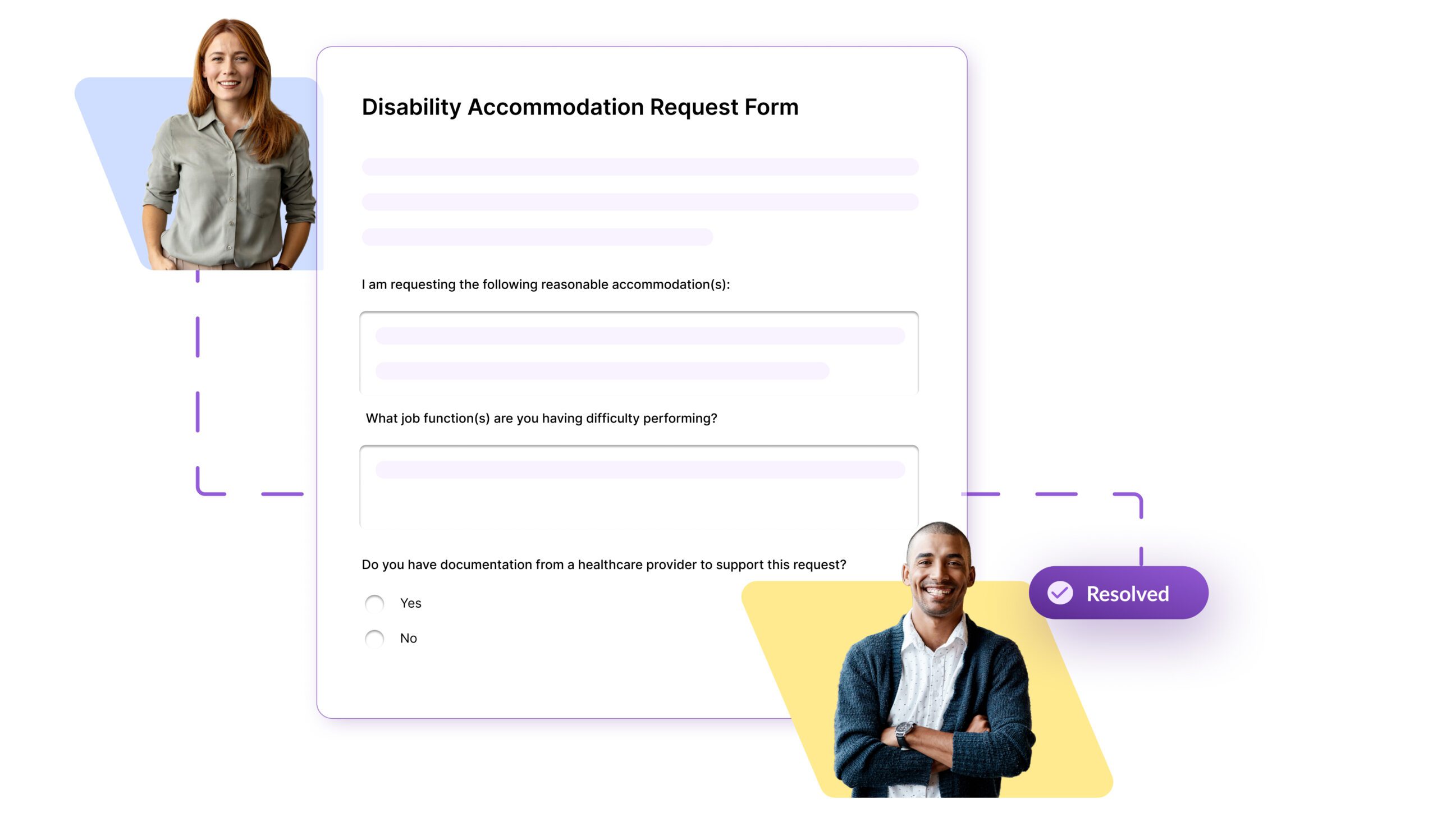
Clear, audit-ready visibility across every case
Policy-aligned intake
Build custom forms tied to your handbook or standalone. Collect anonymous or identified submissions so every request arrives review-ready.

Easy submission & access
Publish forms in the Employee Portal or share a secure public link. HR gets notified instantly—no more email threads or spreadsheets.

Create fexible forms
Each submission becomes a case with status, owner, and timestamps. Use response templates, keep a clear history, and close the loop requirements.
How SixFifty's Cases work
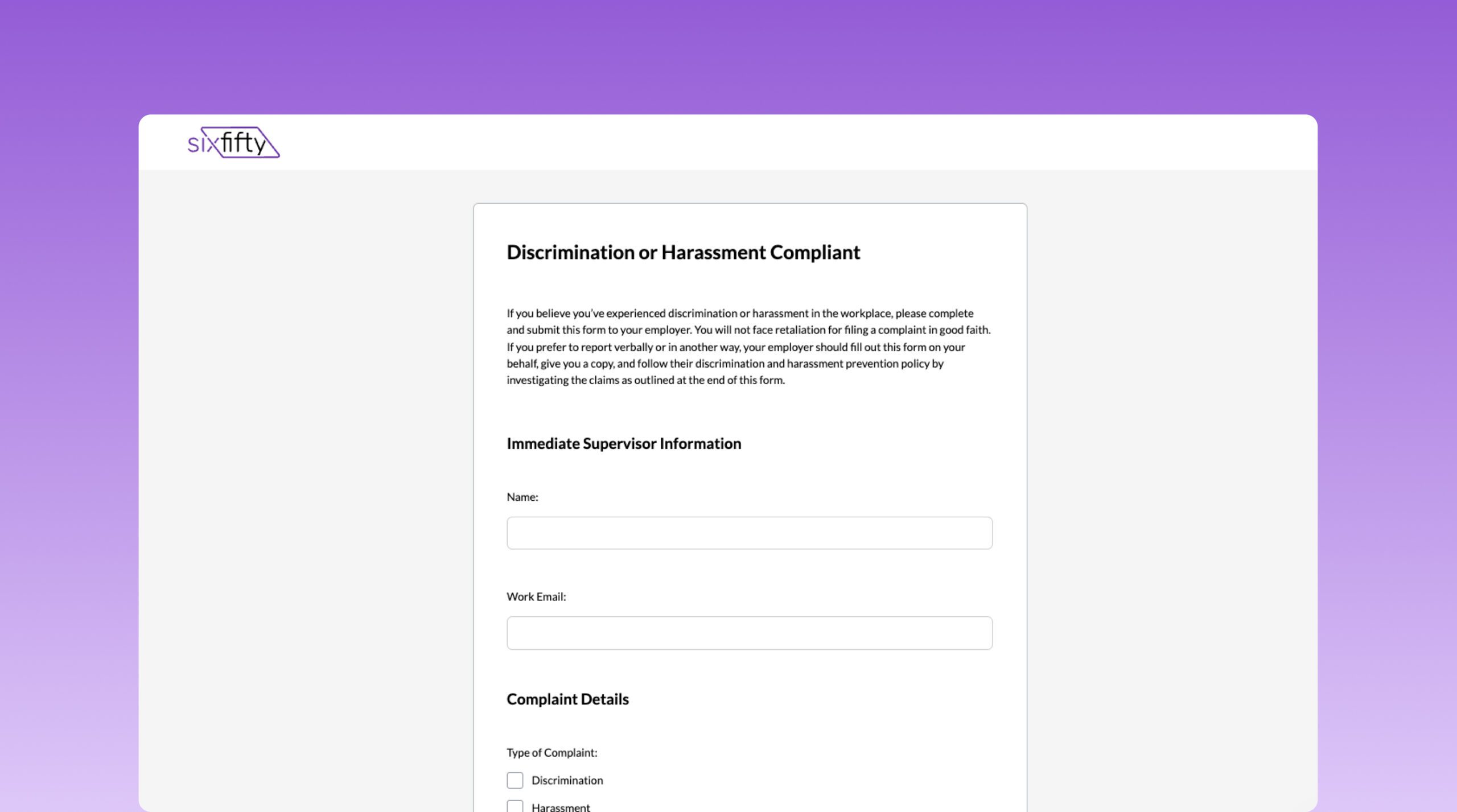
1. Build custom forms
Use our simple form builder to create tailored forms for any HR process. Choose from pre-built templates for common scenarios like leave requests, accommodations, or reporting, or build completely custom forms that match your unique workflows.
Share in employee portals
Deliver easy-to-use forms through employees’ portals. Employees can submit a case form on topics ranging from religious accommodation to relocation policy requests.
Respond & resolve seamlessly
Complete the response template to send a clear, consistent reply. The employee is notified and can view the response, while every case is saved in an audit-ready, secure location.

Frequently asked questions
Can employees submit anonymously?
Yes. Enable anonymity per form. You’ll receive the submission, but automated direct replies to anonymous submitters aren’t possible.
How do admins get notified?
Choose notification recipients in Settings when creating a form, and those users receive an email for each new case.
Where do employees submit and see responses?
In the Employee Portal (Forms & Cases) or via a shareable link. After you respond, they’re notified by email and can view the response in the portal.
What happens when a case is resolved?
Once you send your response, the case automatically moves to Resolved.